
MileSwipe
Mileage tracker. Just swipe.
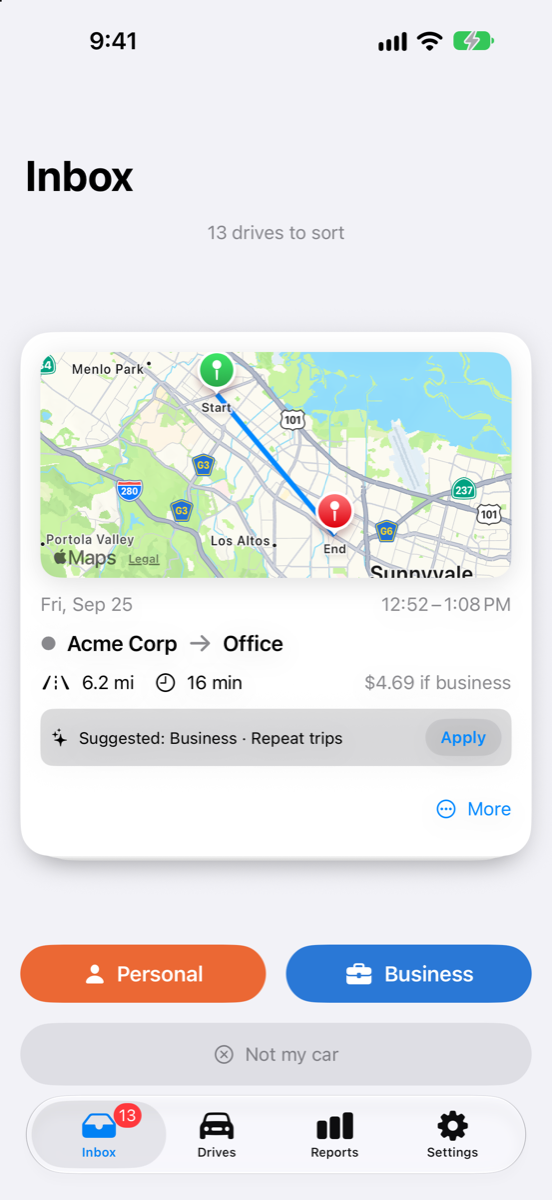
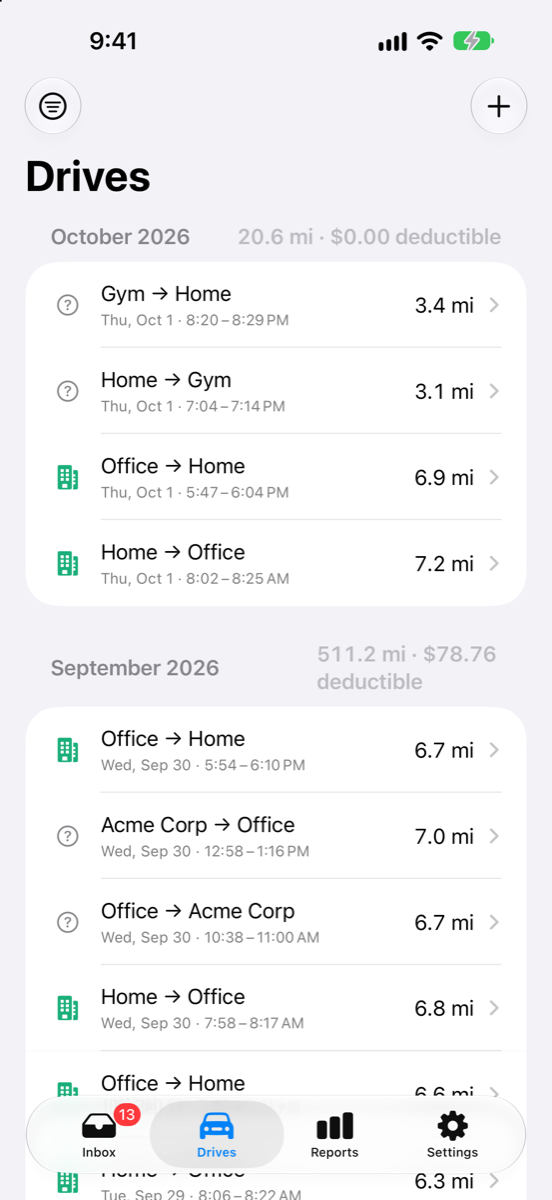
- Drives are detected automatically. Park, and the trip is a card.
- Swipe right for Business, left for Personal.
- Free for up to 40 drives a month. Private, and no account needed.

Free for iPhone, up to 40 drives a month. Unlimited is $6.99 a month or $69.99 a year. No ads, no servers of ours.
How it works
Nothing to start and nothing to stop. The app notices when you drive and asks one question: business or personal?
-
Step 1Drive
Park your car and the drive appears as a card: where it started, where it ended, how far, how long, and what it is worth at the standard mileage rate.
-
Step 2Swipe
Right for Business, left for Personal, or answer from the lock-screen notification without opening the app. Name your regular stops once and rules do the rest: Home to Work becomes Commute on its own.
-
Step 3Export
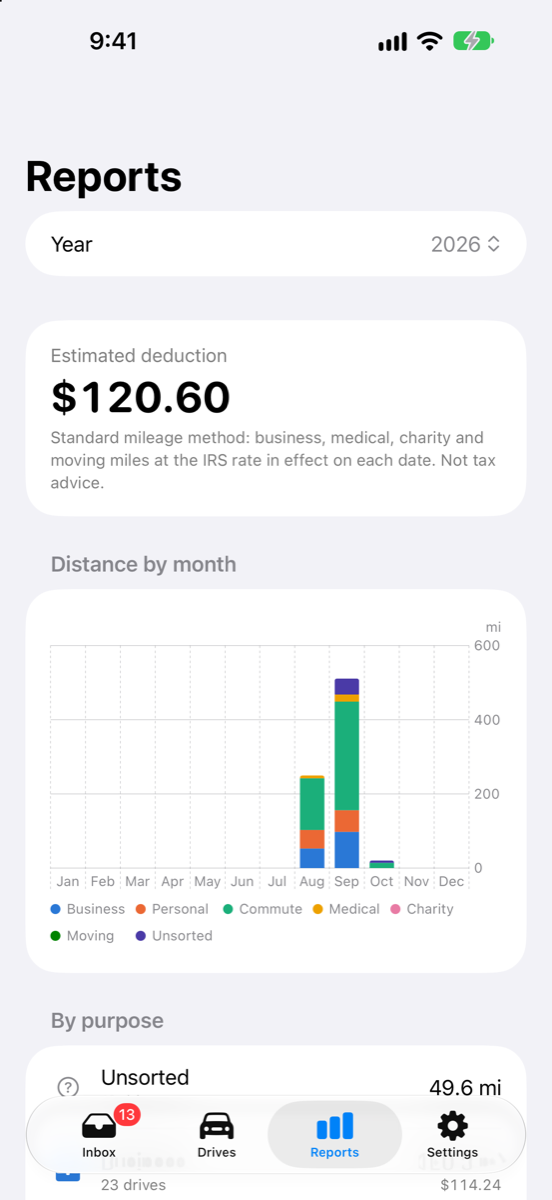
Monthly and yearly totals by purpose, with a deduction estimate, across as many vehicles as you drive. Export a CSV your accountant will like, any time.
Reports use the IRS standard mileage rates in effect on each date, including mid-year changes. Deduction figures are estimates for your records, not tax advice.
Private by design
There are no servers of ours. We cannot see your drives, and we do not want to.
- No servers, no accountsNothing to sign up for. Your drives live on your iPhone, and we never receive them.
- No ads, and usage stats only if you agreeThe app asks once whether to share which features get used, through Mixpanel. It stays off until you say yes and never includes your drives or locations. The only purchase is the optional Unlimited plan, through the App Store.
- Sync through your own iCloudTurn on iCloud sync and your log is also stored in your iCloud account, where only you can see it.
- Export CSV any timeYour complete log as CSV or JSON, from Settings, whenever you want it.
- Delete everything in one tapSettings › Delete all data removes every drive from your phone and from your iCloud.
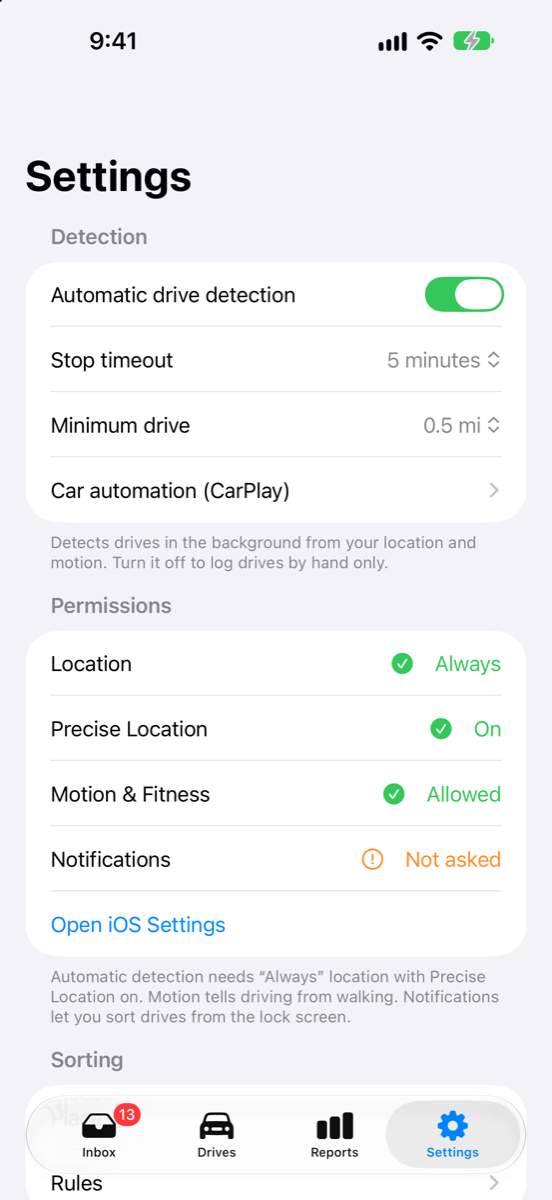
- Permissions, explainedDetecting drives while the app is closed needs “Always” location and Motion & Fitness access. The app explains both during setup.
Read the privacy policy.
Now on the App Store
MileSwipe is free for iPhone and records every drive. Sort up to 40 a month for free, or go Unlimited for $6.99 a month or $69.99 a year (two months free). Questions? Visit Support.